

What Nobody Tells Apartment Dwellers Before Buying a Corner TV Stand
At a Glance Before buying a corner TV stand, apartment dwellers must measure the exact corner…
Before buying a corner TV stand, apartment dwellers must measure the exact corner angle, as most apartment corners are not perfect 90 degrees and require an adjustable stand. Corner stands often limit airflow around electronics, causing overheating, and standard cable management solutions rarely function properly in tight corner spaces. The key takeaway is to verify corner geometry, ventilation, and weight capacity before purchasing to avoid returns and equipment damage.
What nobody tells apartment dwellers before buying a corner TV stand is that you can easily waste money, time, and space if you ignore a few hidden factors. This guide reveals the mistakes most renters make and helps you pick the right stand for your home.
Quick Verdict: In short, a corner TV stand saves floor space but comes with unique challenges – tricky measurements, awkward cable management, limited weight support, and reduced viewing angles. Measure your corner angle, check the stand’s depth, and plan for ventilation before buying. Ignoring these factors leads to returns and frustration.
Key Takeaways
- Measuring the wall corner angle is critical because most apartment corners are not perfect 90 degrees and require an adjustable stand.
- Corner TV stands often limit airflow around electronics, leading to overheating and shorter device lifespan.
- Standard cable management solutions rarely work in corners because of the tight space and awkward access behind the stand.
- The maximum TV size you can fit in a corner stand is generally smaller than what you can mount on a flat wall at the same distance.
- Returning a corner TV stand can be expensive due to oversize shipping fees and difficult assembly disassembly.
What Nobody Tells You About Corner TV Stand Measurements
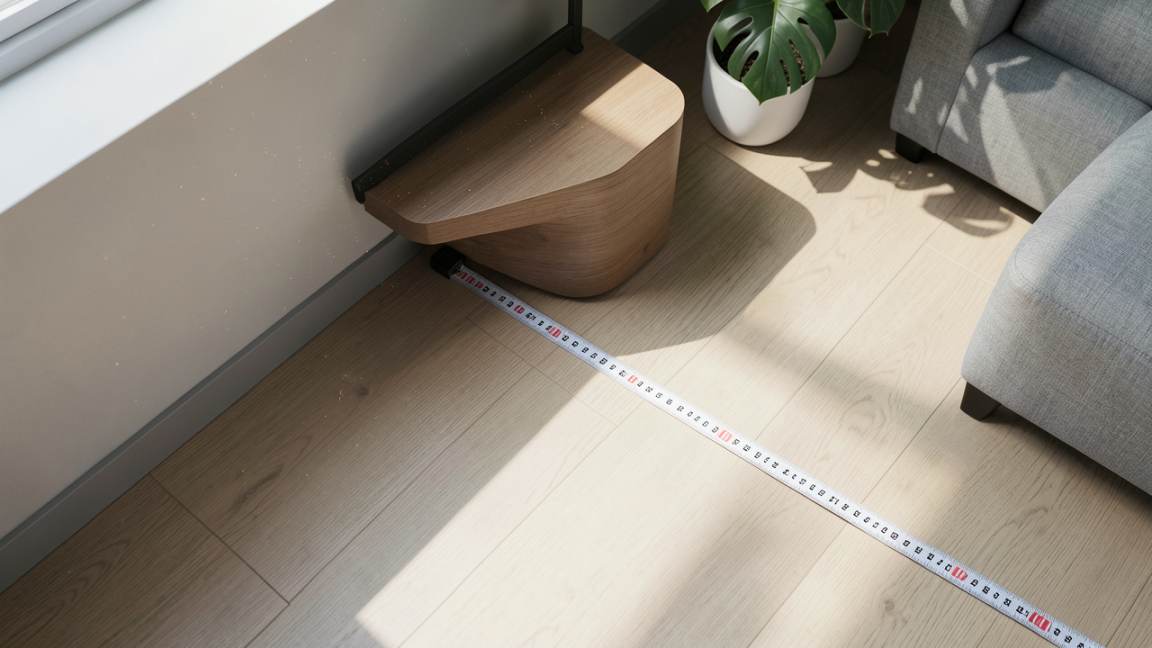
Most apartment dwellers assume a corner is a square 90-degree angle. In reality, many apartment walls are slightly off. Builders often cut corners – literally.
Warning: Never trust that your corner is exactly 90 degrees. Use an angle finder or a simple cardboard template before you order. A difference of just 2-3 degrees can leave a gap between the stand and the wall.
Measure the corner at three heights: floor level, TV height, and eye level. Write down each angle. If they differ by more than 2 degrees, choose a stand with adjustable corner fit or one that does not rely on perfect wall contact.
Also measure the depth of the stand from corner to front edge. Many corner stands are deeper than flat wall units. A 24-inch deep stand might push your sofa too far forward in a small room.
What Nobody Tells You About TV Size and Viewing Distance
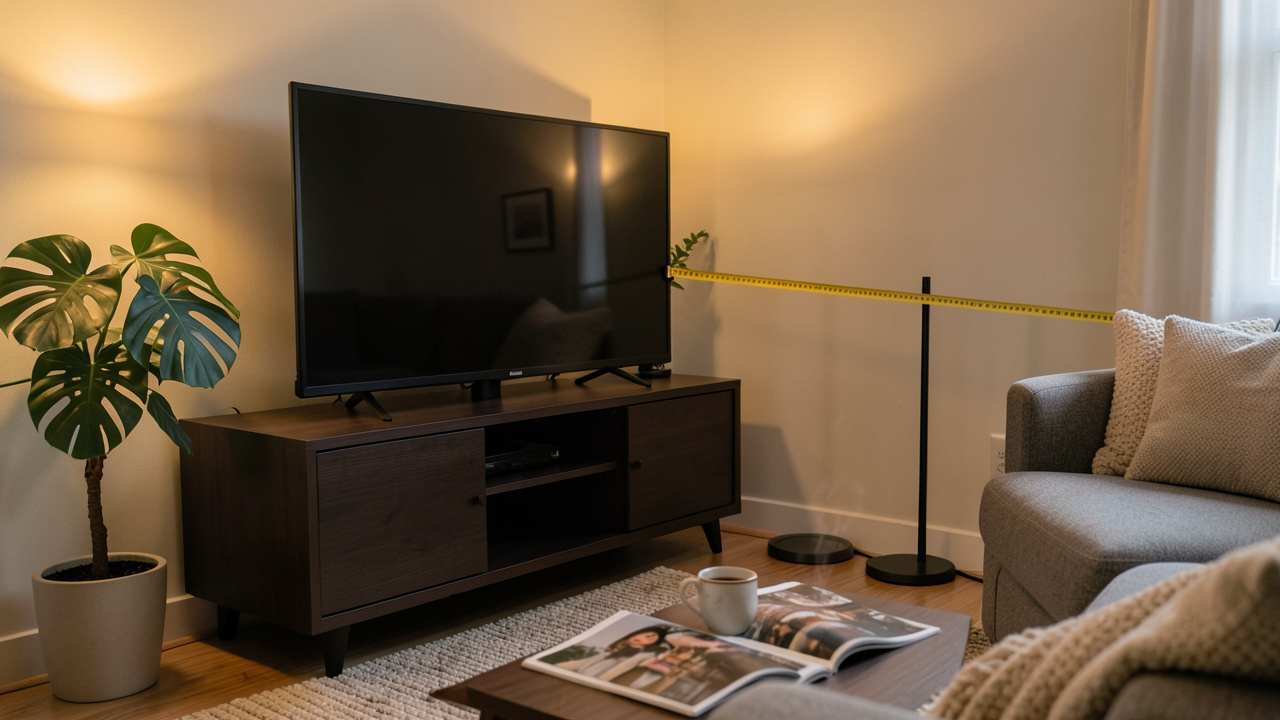
You cannot simply take a flat-wall TV size and transfer it to a corner. The diagonal viewing distance changes because the TV sits further away from the main seating position compared to a flat placement.
Calculate the distance from the center of the corner stand to your main sofa seat. Multiply that distance in inches by 0.84 to get the ideal screen size for a 40-degree viewing angle. For a 10-foot (120-inch) distance, you want about a 100-inch TV – but a corner stand rarely supports that size.
| Distance from Seating | Ideal Screen Size (40 deg) | Typical Max Stand TV Size |
|---|---|---|
| 6 feet (72 in) | 60 inches | 55-65 inches |
| 8 feet (96 in) | 80 inches | 65-75 inches |
| 10 feet (120 in) | 100 inches | 75-85 inches (rare) |
The table shows that for typical apartment distances (6-8 feet), a corner TV stand can work, but for larger living rooms you may need to sit closer or choose a larger stand specifically designed for corner use.
What Nobody Tells You About Weight Capacity and Stability
Corner stands often look robust but many have a lower weight capacity than flat stands because the design has less structural support. The widest part of the stand is the front, where the TV sits, but the back legs are narrow.
Check the manufacturer’s specified weight limit for the top shelf. Do not assume it can hold your 65-inch TV plus a soundbar. Many corner stands list a capacity of 50-70 pounds. Your TV alone may exceed that.
Important: Always add 10 pounds to your actual TV weight to account for adjustable mounts or brackets you may use on top of the stand. If the stand says 60 lb max and your TV is 55 lb, you are too close to the limit.
Also consider the stand’s stability on carpet vs. hardwood. On carpet, the legs may sink unevenly, causing the stand to tilt. Use furniture levelers or place a thin plywood board under the stand.
What Nobody Tells You About Cable Management
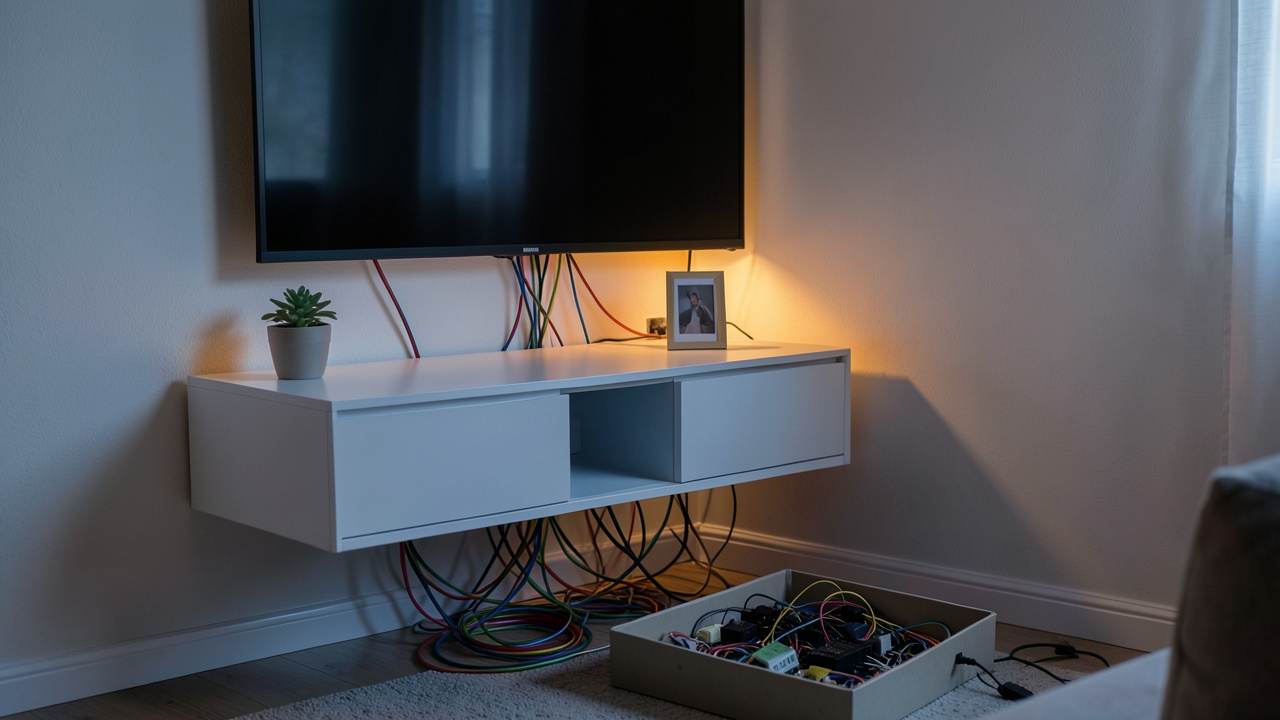
Concealing cables in a corner stand is much harder than in a flat unit. The space behind the stand is cramped and often inaccessible once the TV is placed. Many corner stands lack built-in cable channels or back panels that can be removed.
What happens: you thread cables through the back, then push the stand against the wall, and the cables get pinched or the stand cannot sit flush. Over time, cables pull out of the ports.
To avoid this:
- Choose a corner stand with a removable back panel or dedicated cable management cutouts.
- Use flat HDMI cables that bend more easily in tight spaces.
- Buy a cable raceway kit that sticks to the wall and runs cables down the corner edge.
- Before pushing the stand into place, secure all cables with velcro ties and leave extra slack at the TV end.
What Nobody Tells You About Airflow and Electronics Overheating
Corner stands trap heat more than open flat stands because the back and sides are enclosed by walls and furniture. The TV and any connected devices like game consoles or streaming boxes get less ventilation.
Modern TVs are designed to dissipate heat through their back vents. When the back is only 2-3 inches from a wall, heat cannot escape. This can reduce the TV’s lifespan and cause performance issues during long viewing sessions.
Tip: Leave at least 4 inches of space between the back of the TV and the wall. If your stand has a closed back, cut a vent hole (if safe to do so) or position the stand so that the back is open to a corner gap.
For game consoles or AV receivers placed inside the stand shelves, ensure each shelf has ventilation holes or a gap of at least 1 inch on all sides.
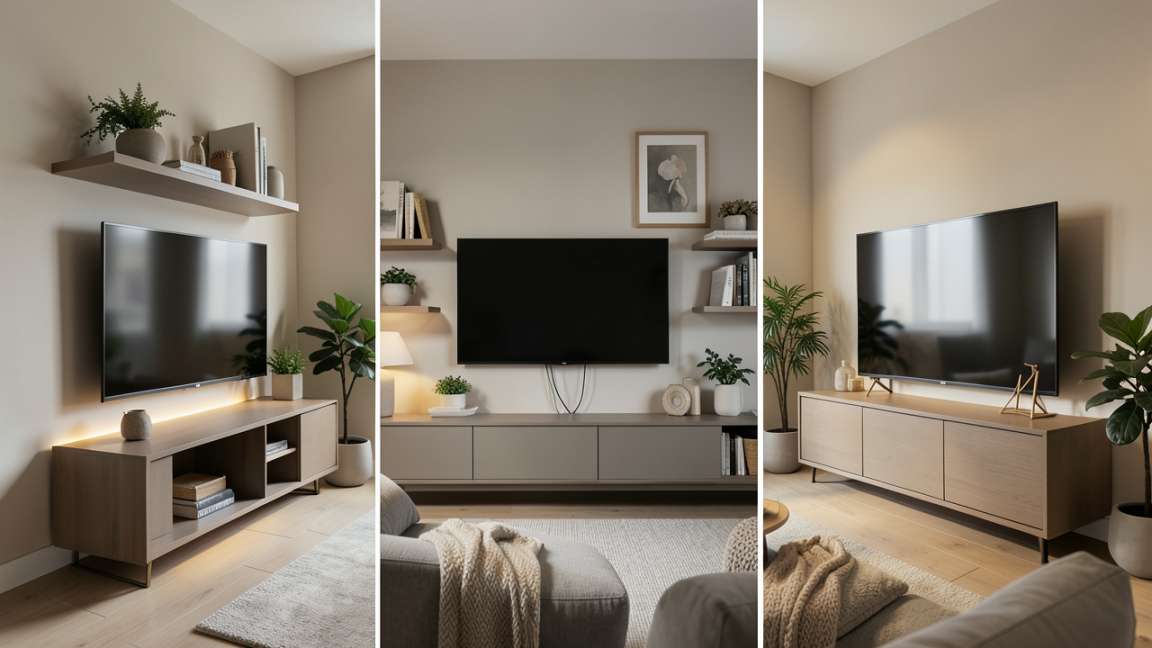
Comparison: Corner TV Stand vs. Wall Mount vs. Flat TV Stand
| Factor | Corner Stand | Wall Mount | Flat Stand |
|---|---|---|---|
| Floor space usage | Excellent – uses dead corner | Best – no floor space | Good – takes floor footprint |
| Installation difficulty | Medium – assembly + corner adjustment | Hard – drilling, studs, leveling | Easy – place and plug |
| Viewing angle flexibility | Limited – mostly fixed | Good with articulating arm | Fixed but can rotate table |
| Airflow/heat | Poor – enclosed corner | Good – open back | Fair – open back but low |
| Cable management | Hard – cramped space | Good – hidden in wall | Easy – behind unit |
| Rental damage risk | Low – no drilling | High – drilling required | None |
Common Myths vs. Facts About Corner TV Stands
Myth 1: A corner TV stand works in any room corner.
Fact: Many corners hide electrical outlets, cable jacks, or HVAC vents. You may block access or create a fire hazard. Always check what is behind the walls before committing the corner to a stand.
Myth 2: Corner stands automatically improve room flow.
Fact: Without proper planning, they can actually disrupt traffic flow if the stand protrudes too far into a walkway. Measure the gap between the corner and the nearest walking path – it should be at least 30 inches.
Myth 3: Any TV size fits if the stand shelf is large enough.
Fact: The TV’s footprint on the stand matters more than the shelf width. A 65-inch TV with a wide stand may overhang the edges, causing instability. The TV base must be fully supported by the shelf.
Step-by-Step: How to Choose the Right Corner TV Stand for Your Apartment
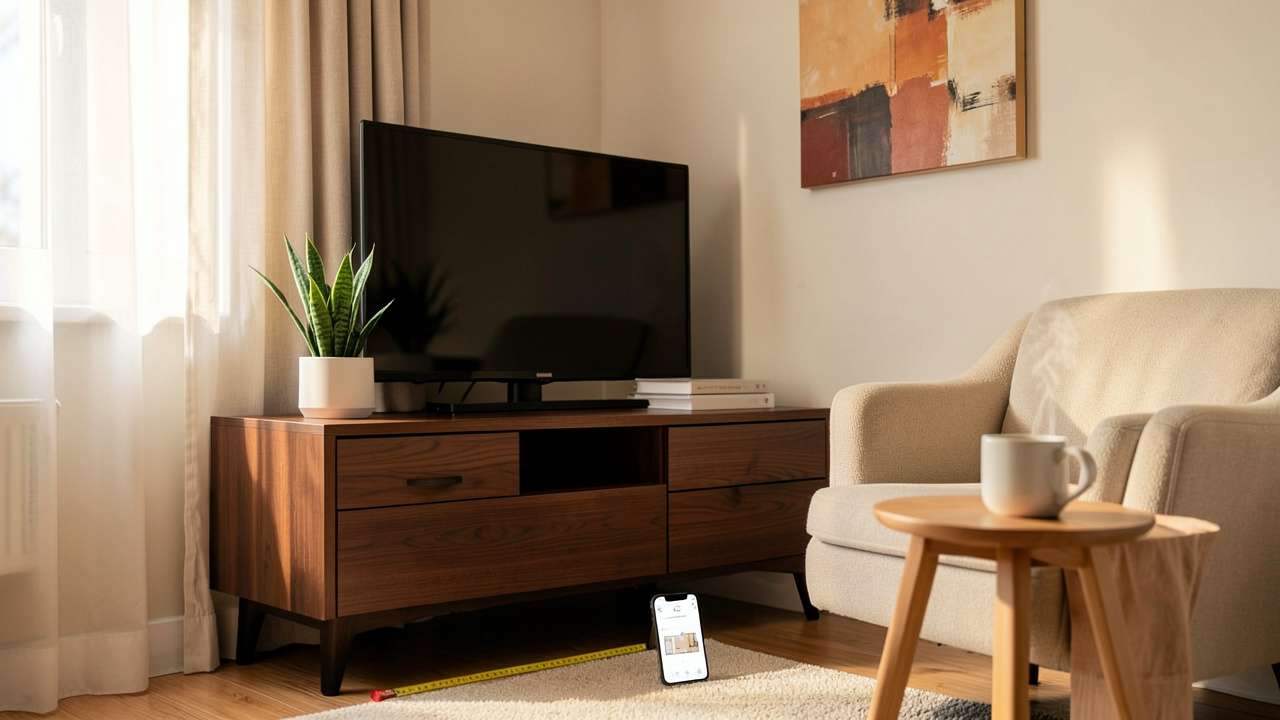
- Measure your corner angle at three heights using an angle finder or cardboard template.
- Determine the distance from the corner to your main seating position and use it to calculate ideal TV size.
- Check the maximum weight capacity of the stand and compare to your TV plus any accessories.
- Inspect the cable management openings – prefer stands with removable back panels.
- Look for ventilation – open backs, mesh panels, or at least 4 inches of clearance behind the TV.
- Verify the stand’s depth and make sure it does not block a walkway or protrude more than 18 inches from the corner.
- Read reviews specifically about assembly quality – corner stands often have complex instructions.
- Check the return policy – many online furniture stores charge high fees for oversize returns.
Pro Tips for Apartment Dwellers
- Use a swivel TV mount on top of your corner stand to adjust the viewing angle for different seating areas.
- Place a small surge protector inside the stand but leave the cord accessible from the front via a cable hole.
- Consider a corner stand with a built-in electric fireplace only if your apartment allows them – it adds weight and heat concerns.
- Anchor the stand to the wall using a furniture strap, especially if you have children or pets.
- Test the stand with a cardboard mockup before buying – put it in the corner and live with it for a day to see if it works.
Tip: If you have a corner that receives direct sunlight, place a UV-filtering film on the window to protect your TV screen from glare and heat damage. Corner stands often cannot block sunlight like a flat wall can.
Resources and Tools
- Angle Finder Tool – Digital tool to measure wall angles precisely.
- TV Size Calculator – Free online calculator from Crutchfield that recommends screen size based on distance.
- Furniture Levelers – Adjustable feet to stabilize stands on uneven floors.
- Cable Raceway Kit – Paintable cord cover for corner walls.
- Corner TV Stand Buying Guide –
Frequently Asked Questions
How do I measure my corner for a TV stand?
Use an angle finder tool. Measure at floor level, mid-height, and eye level. If the angle is not perfect 90 degrees, look for a stand with adjustable corner compensators.
Can I put a 75-inch TV on a corner stand?
Yes, but only if the stand’s top shelf is wide enough to support the TV’s base (at least 40 inches wide) and the weight capacity is higher than the TV’s weight plus 10 pounds. Most corner stands cap at 65-70 inches.
Do corner TV stands damage walls?
Not directly, but if the stand rubs against the wall over time it can scuff paint. Use rubber bumpers or felt pads on the back edges of the stand.
What is the best way to hide wires with a corner TV stand?
Run cables through a cable raceway along the corner wall. Use flat HDMI cables and velcro ties inside the stand to keep them organized. Avoid pinching cables when pushing the stand into place.
Should I get a corner TV stand with or without a back panel?
Without a back panel is better for ventilation and cable access, but it leaves electronics exposed to dust. With a removable back panel is the ideal compromise.
Final Thoughts
A corner TV stand can be a smart space-saving solution for apartment dwellers, but only if you measure carefully, plan for airflow and cables, and choose a stand that matches your TV’s size and weight. Do not rush into a purchase without verifying your corner angle and the stand’s capacity. The extra time spent upfront will save you from a frustrating return process and a cluttered living room.


